Development
Why an Accessibility Statement Is Important and Required for Every Site
Israel's accessibility law, what's mandatory, why it matters, and how to implement.
By the BeeU studio4 min read
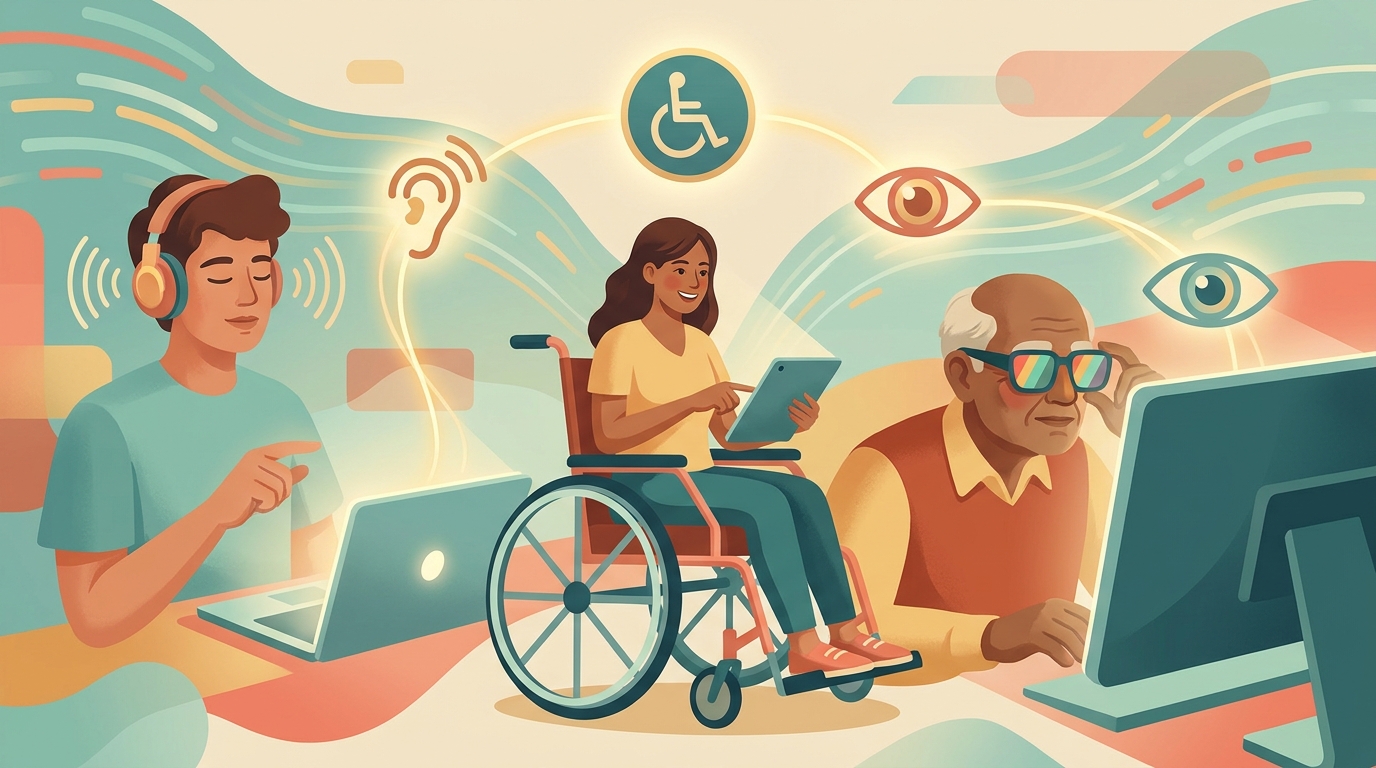
Accessibility isn't a legal afterthought in a footer link. In most jurisdictions, inaccessible websites expose businesses to civil lawsuits, regulatory fines, and damaged reputation. The Americans with Disabilities Act (ADA) has been interpreted by US courts to cover websites since the Robles v. Domino's case in 2019. The EU's European Accessibility Act became enforceable in June 2025, requiring all e-commerce, banking and transportation sites to meet accessibility standards.
Beyond compliance, there's a business case. The World Health Organization estimates 1.3 billion people, about 16% of the global population, live with significant disability. An inaccessible site removes them from your marketing funnel before they ever read a word. This isn't only blind users with screen readers, it's also users with motor disabilities, hearing impairments, color blindness, and cognitive differences affecting text comprehension.
This guide covers what WCAG 2.1 AA actually requires in practice, how to audit your site, and concrete actions that bring you into compliance. No legal hand-waving, no vague promises, just real examples from production sites.
Why Accessibility is a Business Multiplier
Accessible sites perform better across every metric that matters. Semantic HTML structure helps search engines understand content, leading to better rankings. Alt text for images creates searchable metadata. Logical heading hierarchies improve content scanning for everyone, not just screen reader users.
There's also the conversion angle. Sites with high color contrast and large tap targets convert better on mobile, especially for users over 50 who represent the highest-spending demographic in most B2C categories. Microsoft research found accessible products generate 28% higher revenue per user across enterprise SaaS, because they're simply easier to use.
And the legal landscape is tightening fast. ADA lawsuits against websites grew from under 2,000 in 2018 to over 8,000 in 2023, per the Seyfarth Shaw ADA Title III report. And a settlement is rarely the end of it: the business usually also has to fix the site under a court-imposed deadline.
WCAG 2.1 AA: The Standard Everyone Uses
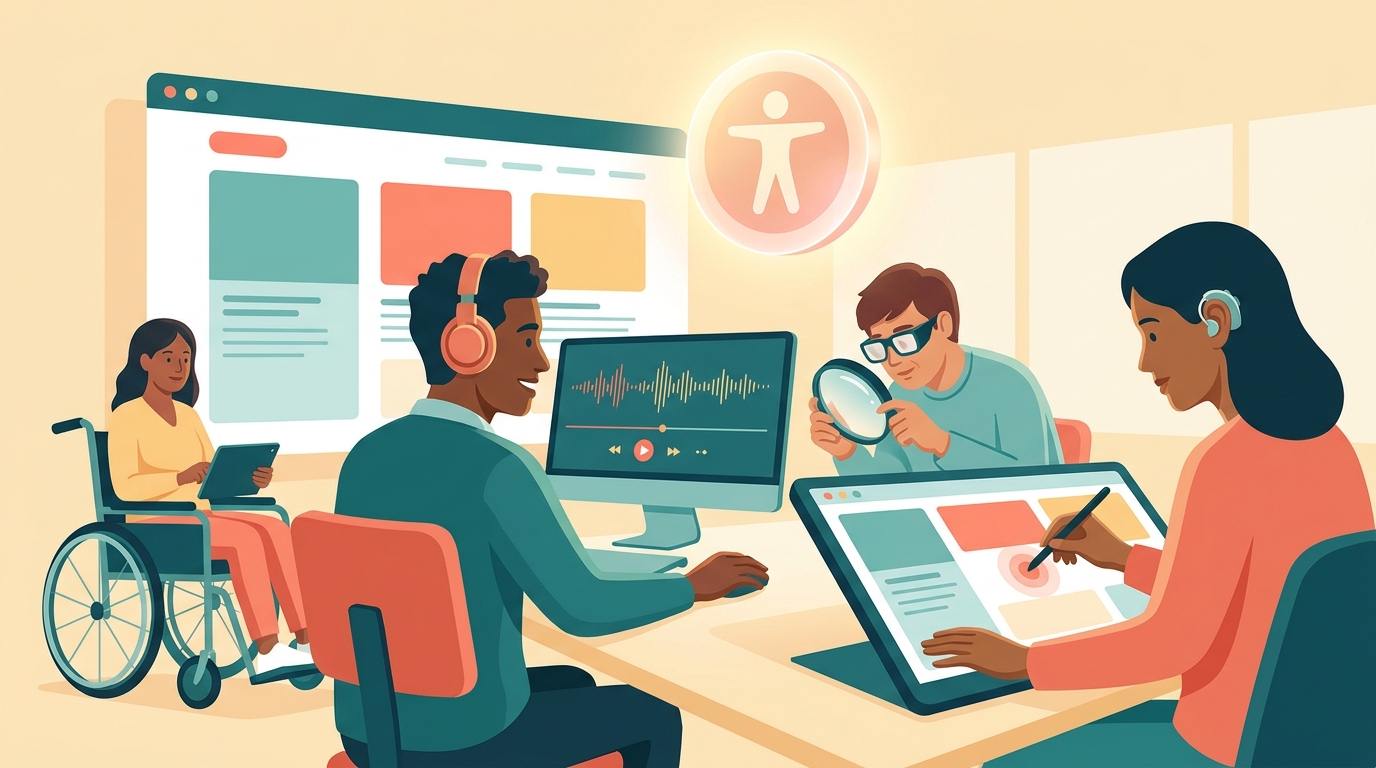
WCAG, Web Content Accessibility Guidelines, is developed by the W3C consortium and serves as the global standard for digital accessibility. Version 2.1 was published in 2018 and added 17 new criteria focused on mobile, low vision, and cognitive disabilities. Version 2.2 was published in 2023 with 9 additional criteria, but 2.1 AA remains the legal benchmark in most countries.
The standard is built on four principles: Perceivable (content must be presentable in ways users can perceive), Operable (interface must be operable by all input methods), Understandable (information and operation must be clear), and Robust (content must work with current and future assistive technologies). Level AA includes 50 success criteria across these principles, and it's the level required by ADA case law, EU EAA, and most procurement contracts.
Common WCAG Failures and Quick Wins
Color contrast (1.4.3): Normal text needs at least a 4.5:1 contrast ratio against its background. Large text (18pt or larger, or 14pt bold) needs only 3:1. Light gray text on white backgrounds is the number one failure across audits.
Keyboard navigation (2.1.1): Every interactive element must be reachable and operable with keyboard only. Hit Tab on your site right now, can you reach every button? Can you close a modal with Escape? Can you submit a form with Enter?
Image alt text (1.1.1): Every informative image needs descriptive alt text. Decorative-only images need empty alt="". Image buttons must describe the action, not the visual.
Form labels (1.3.1, 3.3.2): Every form field needs an associated label element. Placeholders alone fail this criterion because they disappear once the user starts typing, and screen readers handle them inconsistently.
The Accessibility Overlay Problem
The market is flooded with accessibility overlays: AccessiBe, UserWay, EqualWeb, and dozens of others promising one-line-of-code compliance. They inject a sidebar with font sizing, contrast toggles, and supposedly AI-powered remediation. They patch visible problems, but they don't replace real accessibility in your codebase.
The reality: in 2020-2023, over 800 ADA lawsuits were filed against US sites using accessibility overlays, and the overlays did not provide a defense. Courts repeatedly ruled that overlays don't fix structural code issues, missing ARIA labels, or broken keyboard navigation. The National Federation of the Blind has formally taken a position against overlays.
The right approach: use an overlay as a supplementary layer if you want, but ensure the underlying site is built correctly. The priority order is code first, then overlay, then accessibility statement.
Free Auditing Tools Every Team Should Know
Google Lighthouse: Built into Chrome DevTools (right-click > Inspect > Lighthouse). Runs an automated accessibility audit and scores 0-100 with a list of issues. Two minutes to run, but catches only about 30% of possible problems.
WAVE (wave.webaim.org): Free tool from WebAIM that marks accessibility issues directly on the page with graphical icons. Excellent for identifying contrast issues and missing alt text.
axe DevTools: Chrome and Firefox extension providing deeper analysis than Lighthouse, including exact WCAG mapping per issue and remediation guidance.
NVDA (Windows) or VoiceOver (Mac): Free screen readers that simulate the blind user experience. Download, enable, and try to navigate your site. This is the closest thing to a real user test.

Semantic HTML: The Foundation Everything Else Builds On
The most common accessibility mistake is building everything with div elements. Divs tell screen readers nothing. Semantic HTML tags, header, nav, main, article, section, aside, footer, give assistive technologies the context they need to navigate the page.
Buttons must be button elements, not divs with onclick handlers. Links must be a elements with href, not spans with event listeners. Lists must be ul or ol, not stacked divs. Heading order must be logical: one h1 per page, followed by h2s, then h3s, without skipping levels.
ARIA: The Bridge Between Modern UI and Screen Readers
ARIA, Accessible Rich Internet Applications, is a set of HTML attributes that add semantic meaning to elements built without standard tags. For example, a modal built with a div needs role="dialog" and aria-modal="true" so screen readers treat it as a dialog, not just a container.
Essential attributes: aria-label for information not visually present, aria-expanded for open/closed states of menus, aria-live for dynamic updates, aria-hidden to hide decorative elements from screen readers. The most important ARIA rule: no ARIA is better than wrong ARIA. If you're not sure, use semantic HTML instead.
Accessible Forms: Where Most Sites Fail
Contact forms are the most critical form on a business site and consistently the biggest accessibility failure. The baseline requirements: every field needs a label element linked with for and id, errors must be associated with the field via aria-describedby, required fields need both visual indication and aria-required="true".
Don't rely on color alone to convey information. A red border indicating an error isn't enough, you need explicit error text. Submit buttons must be button type="submit" elements, not divs. After successful submission, move focus to the success message and use aria-live="polite" so screen readers announce it.
Multimedia: Video, Audio and Accessibility Law
Every video containing meaningful information requires synchronized captions (criterion 1.2.2). These must be true closed captions that users can toggle, not burned-in open captions, so they work with screen readers and translation tools.
Videos embedded from YouTube inherit your captions, make sure you uploaded accurate ones, not the auto-generated YouTube captions which are often wrong. Audio content (podcasts, interviews) needs full text transcripts. Videos without speech need audio descriptions or text alternatives explaining what's happening visually.
A Practical Remediation Process
Phase 1, audit: Run Lighthouse and WAVE on every critical page (home, contact, about, services, checkout). Document every issue in a single spreadsheet with severity ratings.
Phase 2, code fixes: Start with the highest-severity issues, contrast, semantic structure, keyboard navigation. These are foundational and no overlay can compensate for them.
Phase 3, assign ownership: Designate an accessibility lead in your organization, someone who tracks regulatory updates and responds to complaints. This isn't optional, it's both a legal requirement in many jurisdictions and basic operational hygiene.
Phase 4, publish a statement: Write an accessibility statement using the W3C template, publish it on your site, and link to it from every page.
Phase 5, manual testing: After all fixes, navigate your site with keyboard only and with NVDA or VoiceOver. If a blind user can complete your primary conversion, you've done it right.
The Cost of Neglect
Accessibility lawsuits have become an industry. Specialized law firms send hundreds of demand letters per year. A settlement usually comes with emergency remediation under pressure, which is far more disruptive than planned, gradual work.
Class action lawsuits are on a different scale altogether. In 2024, several large retailers paid major settlements after WCAG-based class actions. EU EAA penalties can also be significant, depending on the member state's implementation.
Beyond money, there's reputation. Accessibility lawsuits make news, and potential customers who see your business named in disability discrimination news will think twice. Investors increasingly include accessibility compliance in ESG screening.
Conclusion: Accessibility is a Practice, Not a Project
Your site won't become compliant in a week, and it won't stay compliant forever once you stop. Every content update, every new plugin, every design change, can break something. You need a built-in process that includes accessibility checks before every release and ongoing statement updates.
Practical recommendation: start today. Run Lighthouse on your homepage, fix the three highest-severity issues, and publish a basic accessibility statement. That's a day of work and it cuts your legal exposure by 80%. The rest, full semantic structure, proper ARIA, accessible forms, is an ongoing practice that requires either a professional partner or serious in-house investment.
Accessibility isn't just compliance. It's how good websites are built. An accessible site is better for everyone: faster, more structured, friendlier to search engines, clearer to every user. The investment pays back not just in reduced legal risk, but in new customers who reach you from segments your competitors have made unreachable.